Cordova Federated Authentication
Description
The Alpha Anywhere web security system supports login using federated authentication in Cordova applications. Because Cordova applications run inside a mobile web view with limited access, additional configuration is required to support federated authentication workflows. Alpha Anywhere provides extensions that enable these workflows by using a system browser for authentication and securely returning control to the Cordova application after login. This allows organizations to leverage their existing security infrastructure and provide a single sign-on experience in mobile applications.
Cordova Federated Authentication
Logging in using federated authentication in a Cordova application is not as straightforward as with a web-based application because the web view hosting the Cordova application has limited access.
Additions have been made to Alpha Anywhere that allow federated authentication workflows to be done from a Cordova application.
The Cordova application must have the custom URL scheme plugin and the in app browser plugin added to the application.
The in app browser plugin is used to handle the SAML authentication workflow in a system browser window. The custom URL scheme plugin is used to return to the Cordova application from the system browser window once authentication finishes.
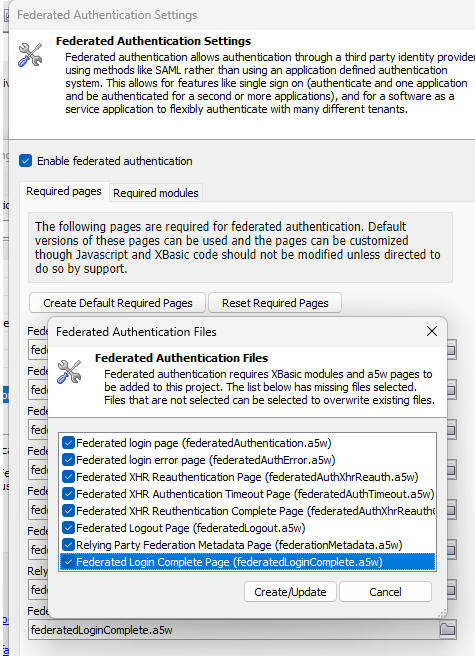
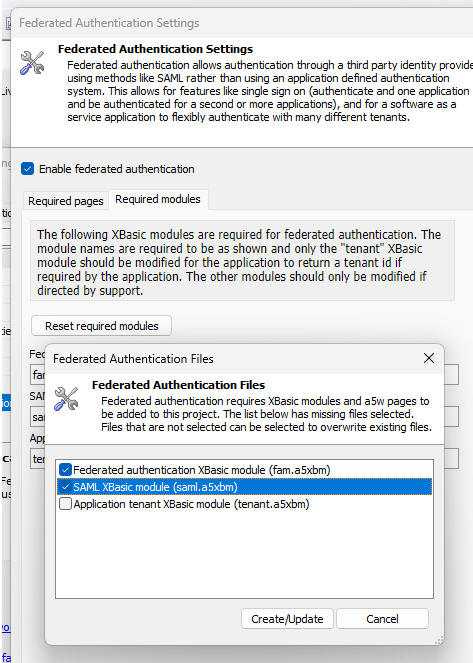
There are updated and new .A5W pages and updated Xbasic modules in the federated authentication configuration.
If federated authentication is already enabled, you must update/add these pages and modules. Use the Reset Required Pages and Reset Required Modules buttons in the configuration dialog to get these updates.
You do not need to update the tenant.a5xbm Xbasic module.
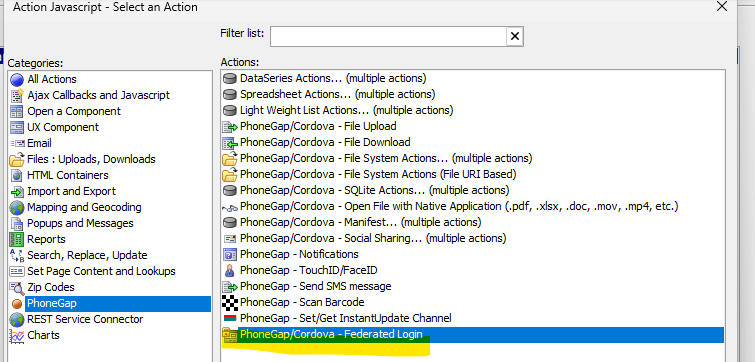
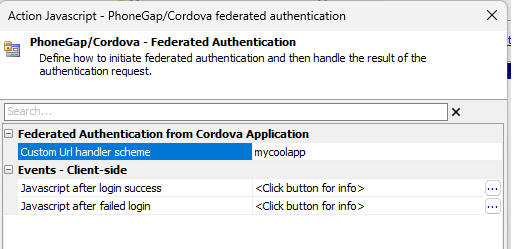
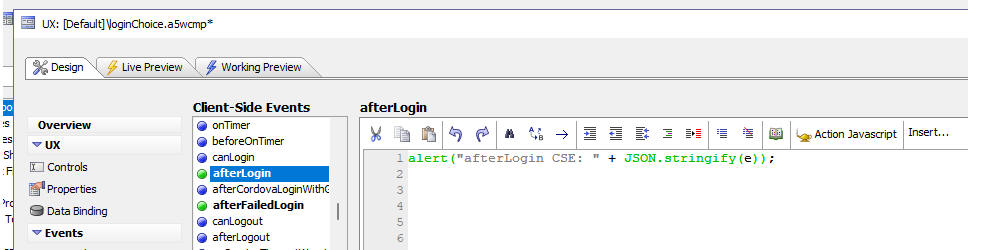
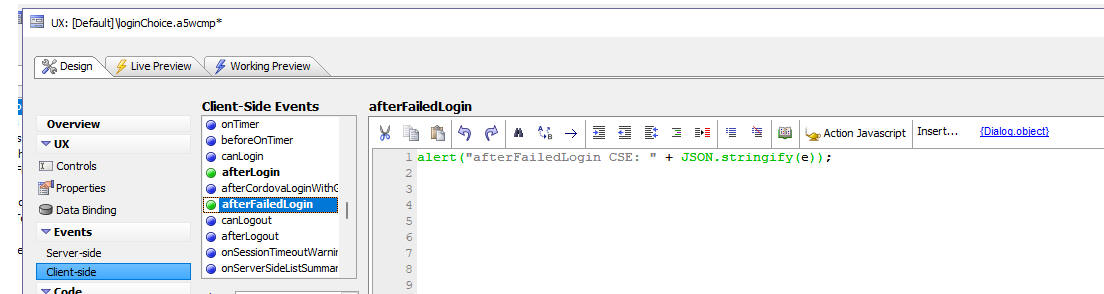
There is a new Action Javascript option to initiate the federated authentication login workflow, define the custom URL scheme for your application, and specify pointers to the component's afterLogin and afterFailedLogin client-side event handlers so that your Cordova app can detect a successful or failed login.
Video: Federated Authentication in a Cordova App
Federated Authentication with Azure AD (no sound)
This video (without sound) shows a Cordova application that uses federated authentication with Azure AD.
The video shows the authentication step with Azure AD (initiated from a button click in the Cordova app). After the login has succeeded, the Cordova app is closed and then reopened. The user is immediately logged in, without having to go through the authentication flow.
See Also